Legacy editor
The Legacy editor is the RobFlow 8 editor. A Control Unit that carries it serves it next to the editor, at /legacy/. It uses the same Robot, and the same Flows, Subflows, Dashboards and Variables.
Switching to it
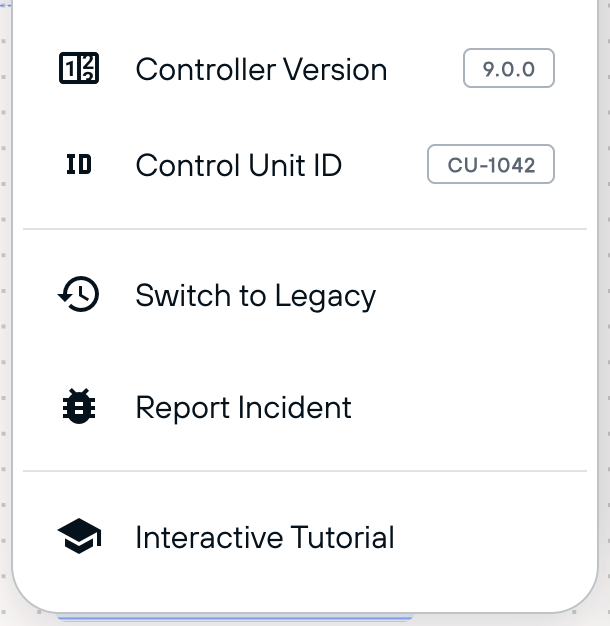
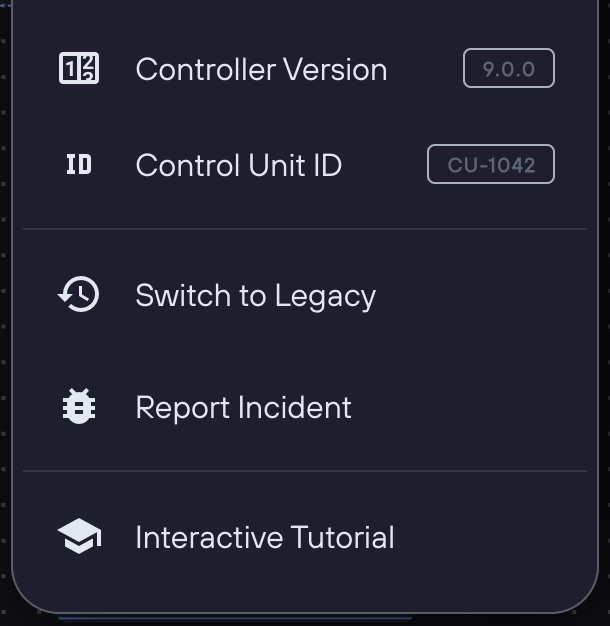
Open the three-dot menu and choose Switch to Legacy. The entry is shown only when the Control Unit carries the Legacy editor. It opens the page you are on.
If the open Flow, Subflow or Dashboard has unsaved changes, the Unsaved Changes dialog appears: "Your changes in the open Flow, Subflow or Dashboard are not saved and are lost when Legacy opens. Are you sure you want to leave?" Choose Leave to continue or Stay to keep working.
What is different there
- The Legacy editor stays at RobFlow 8. It has none of the newer editor's features.
- Single point of control applies there too.
- Switching is a full page load, so it starts a new session. If no other session is open, that session takes control again automatically.