Do until I/O Condition
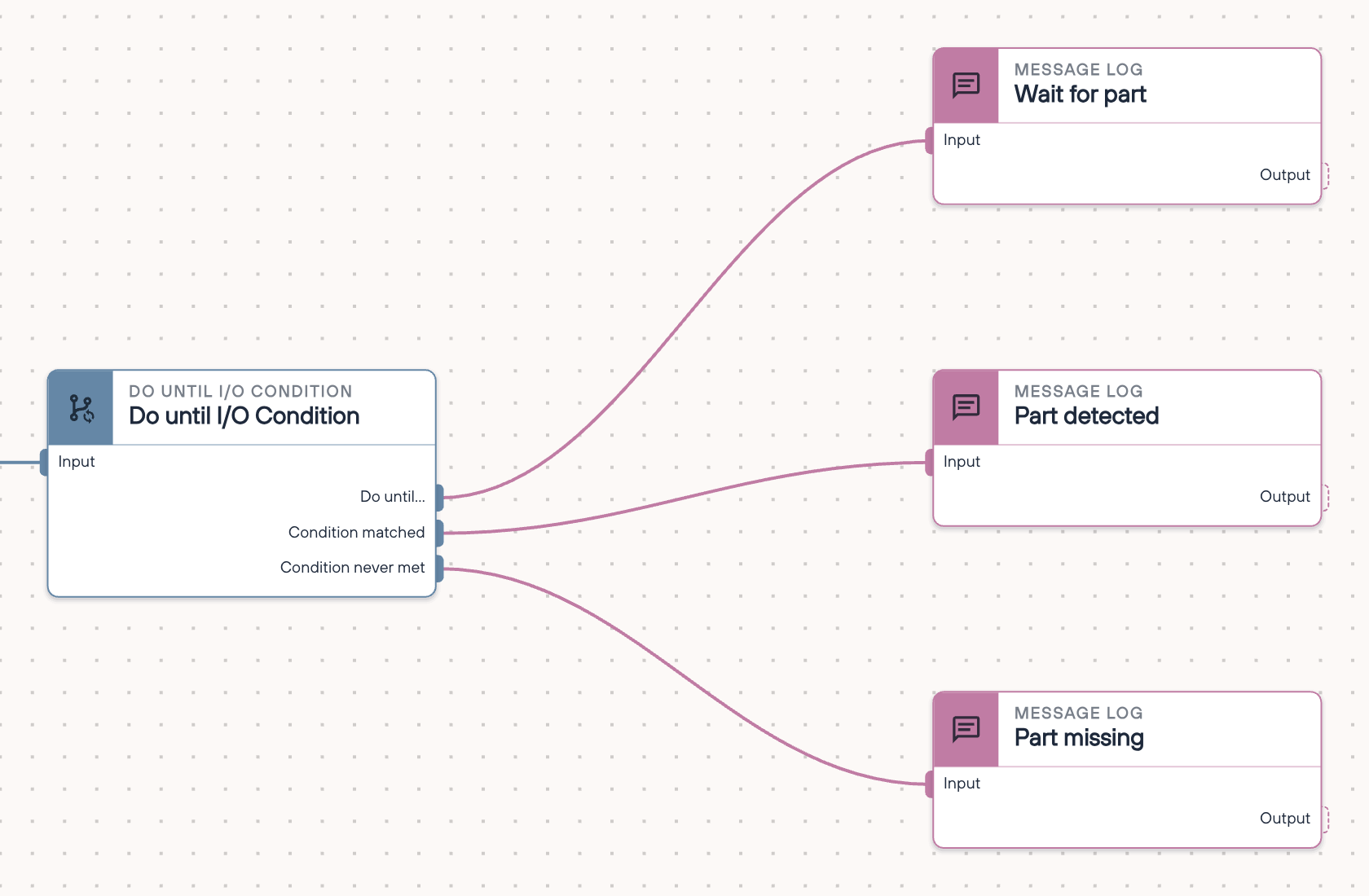
With a Do until I/O Condition Node, you can run a branch (output Do until...) until a digital input or output reaches a given state.
In this case, the Do until... branch is stopped and the Flow continues on the Condition matched output.
If the condition did not match before the Do until... branch has finished, the Flow continues on the Condition never met output.
Outputs
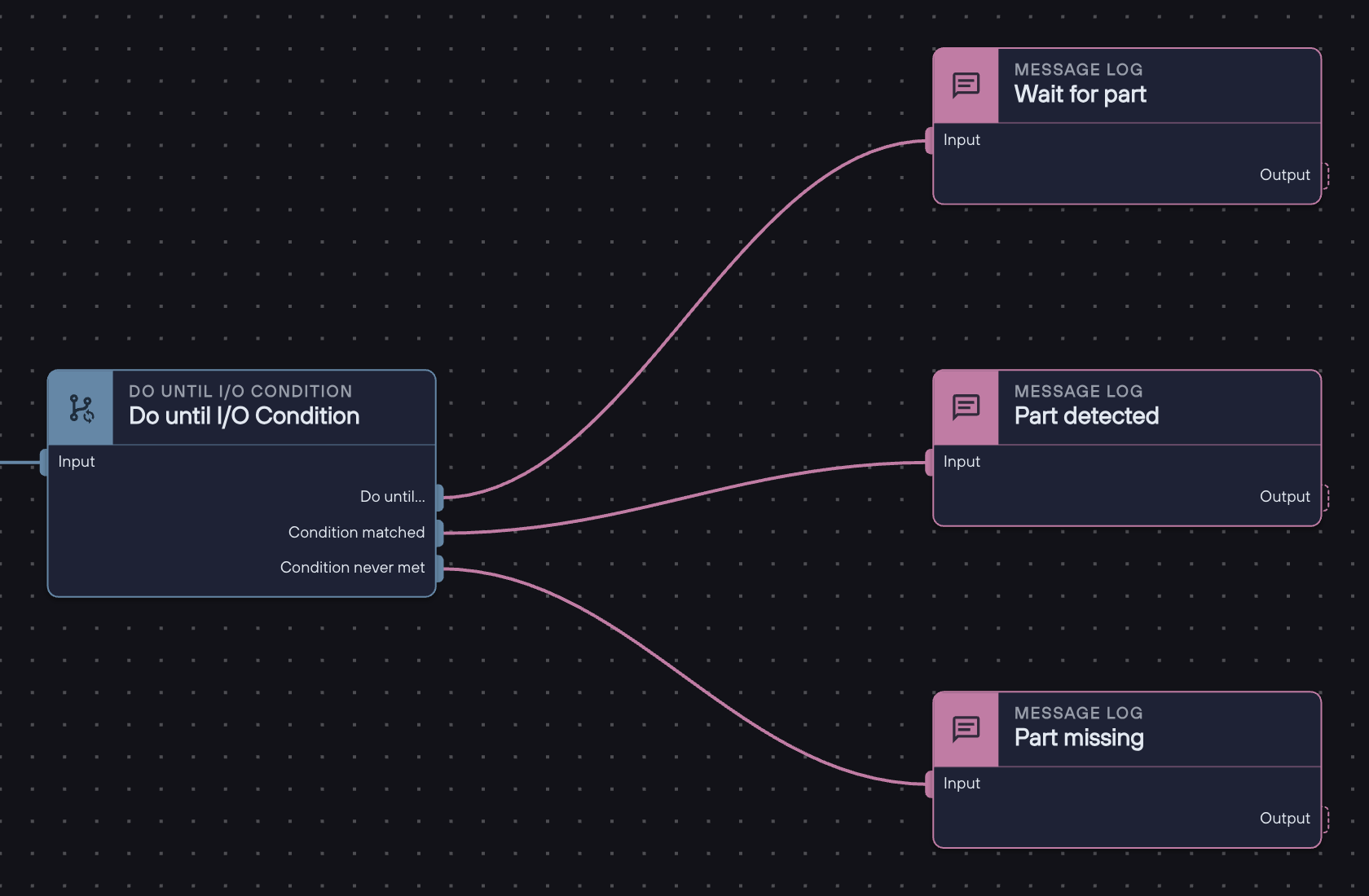
The Node has three outputs, in this order:
- Do until...
- Condition matched
- Condition never met
Configuring
The Node has the same fields as the I/O Condition Node: I/O Type, Bank, Input or Output, and State. A new Node starts with Input, the first bank, channel 0 and state off.
How it runs
- The Node starts the Do until... branch and checks the signal continuously (about every 10 ms) while the branch runs.
- As soon as the signal matches, the branch is cancelled, even in the middle of a movement, and the Flow continues on Condition matched. This also happens when the signal already matches on entry.
- If the branch ends first, the Flow continues on Condition never met.
- Connect the Do until... output. Without it, the Node does nothing.
For the same pattern with an Expression, see Do until Condition.