Reference
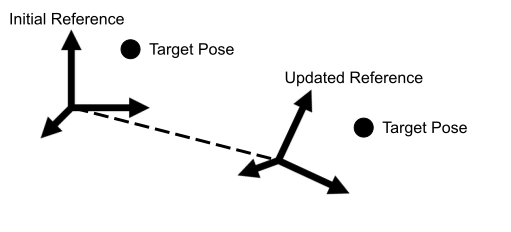
A Reference Group ties the Cartesian Poses of the Nodes inside it to a Workspace. When the fixture or the Robot has moved, teach the Workspace's Calibrated Positions again and switch it to Calibrated. When the Flow runs, RobFlow moves every one of those Poses by the transformation between the Workspace's Initial Positions and its Calibrated Positions. While the Workspace is set to Initial, the Poses are used as they are.
Choosing the Workspace
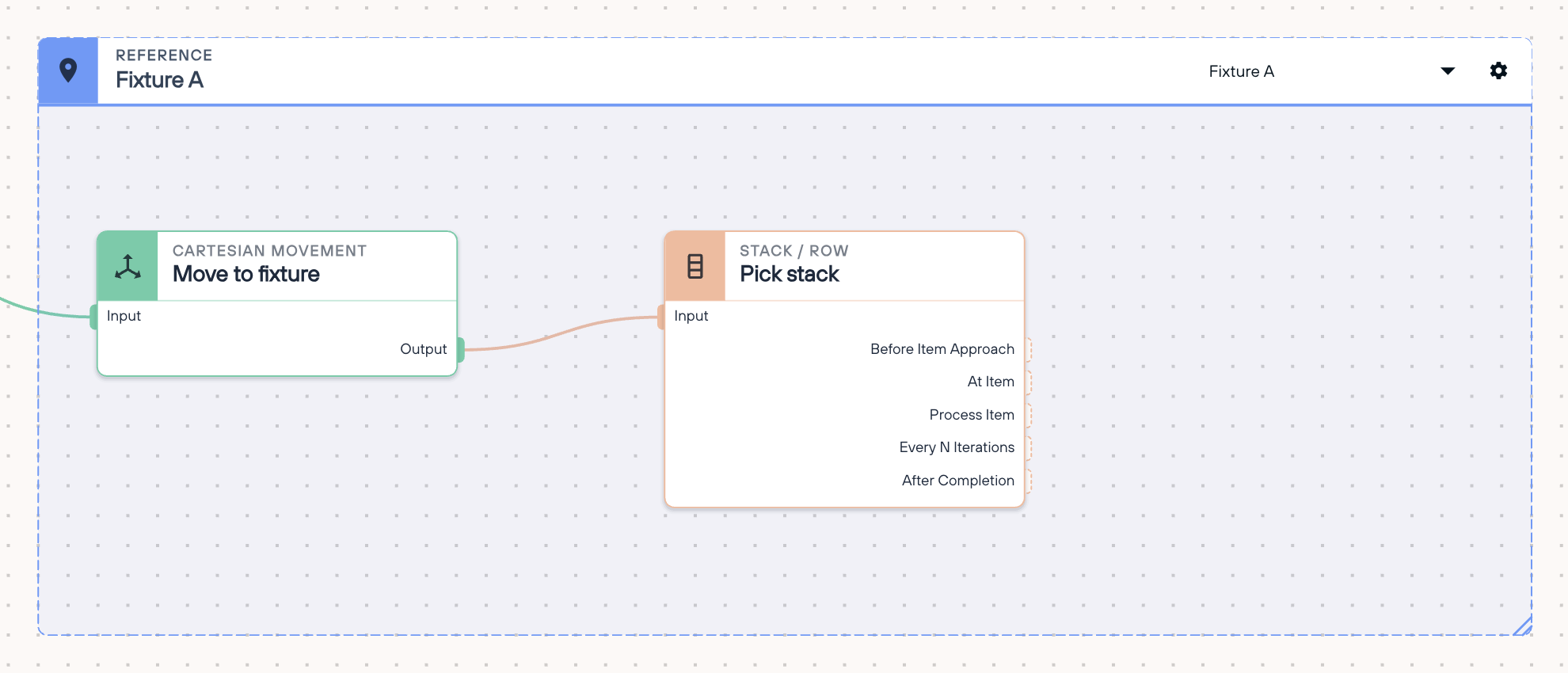
The selector in the Group header lists No Workspace and the Workspaces under Robot Configuration → Workspaces. Create and teach Workspaces there; the selector does not create one. The cog next to it opens the selected Workspace, and is disabled with No Workspace. A new Reference Group has No Workspace. Details: Groups on the canvas.
What follows the Workspace
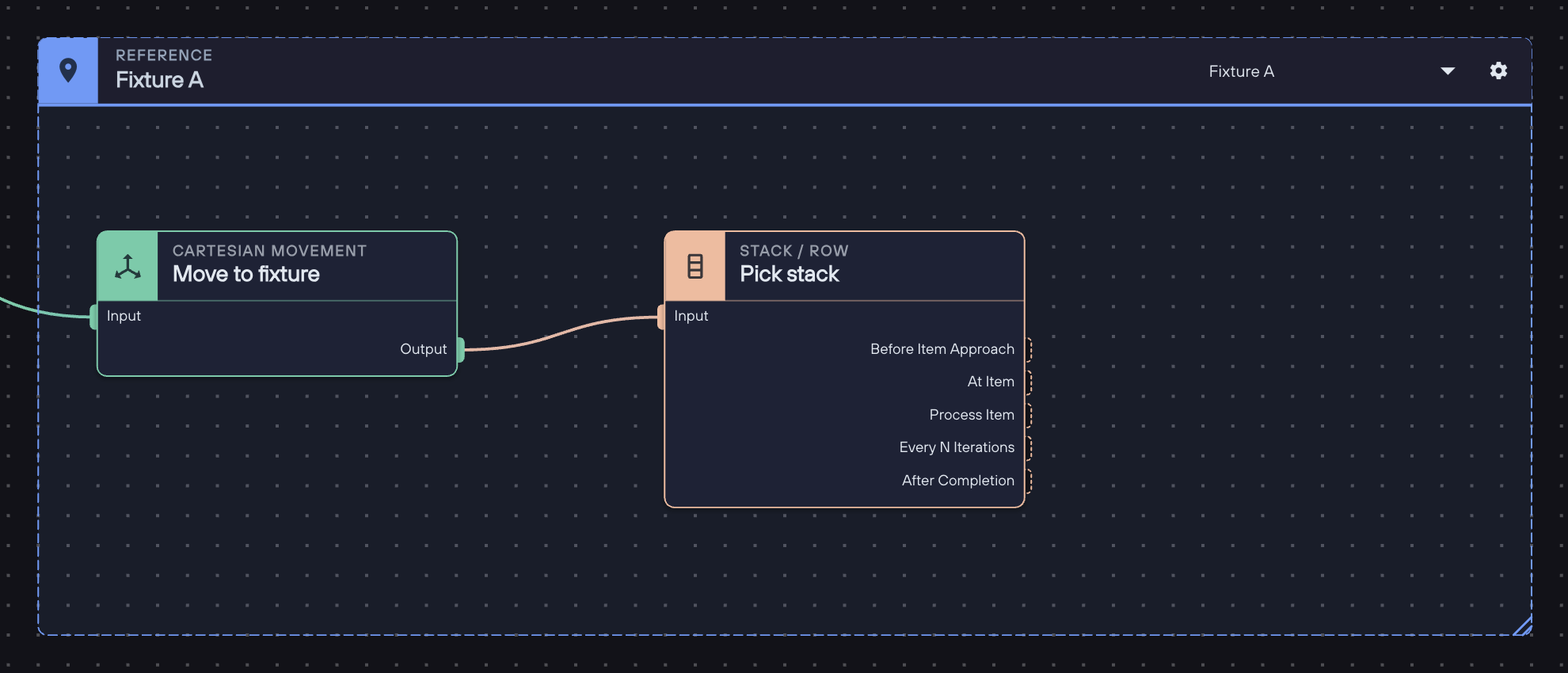
The Cartesian Poses of Cartesian Movement, Path Movement, Stack, Grid, Palletizing and Advanced Palletizing Nodes follow the Workspace. Joint Movements do not, and neither does the Approach Movement (a Joint Movement) of Stack, Grid, Palletizing and Advanced Palletizing. Dropping such a Node in shows User Notification: "The Reference Group Node does not affect any Joint Movements. This includes the Approach Movement in the Stack, Grid, Palletizing, and Advanced Palletizing Node." Relative Movements are not transformed.
Moving Nodes in and out
When a Node moves into or out of the Group, RobFlow converts its Poses between the Robot's frame and the Workspace's frame, so the Node keeps pointing at the same place. One undo takes back both.
Pose Variables used for absolute Cartesian Poses are removed on the way in. RobFlow shows Pose Variables Removed: "Pose Variables used for absolute Cartesian Poses have been removed from this Node because they cannot be used inside a Reference Group. Please re-enter the Pose values manually."