Documentation
A Documentation Group has no effect on how the Flow runs. Use it to label and group a part of the Flow, and mark it with a color.
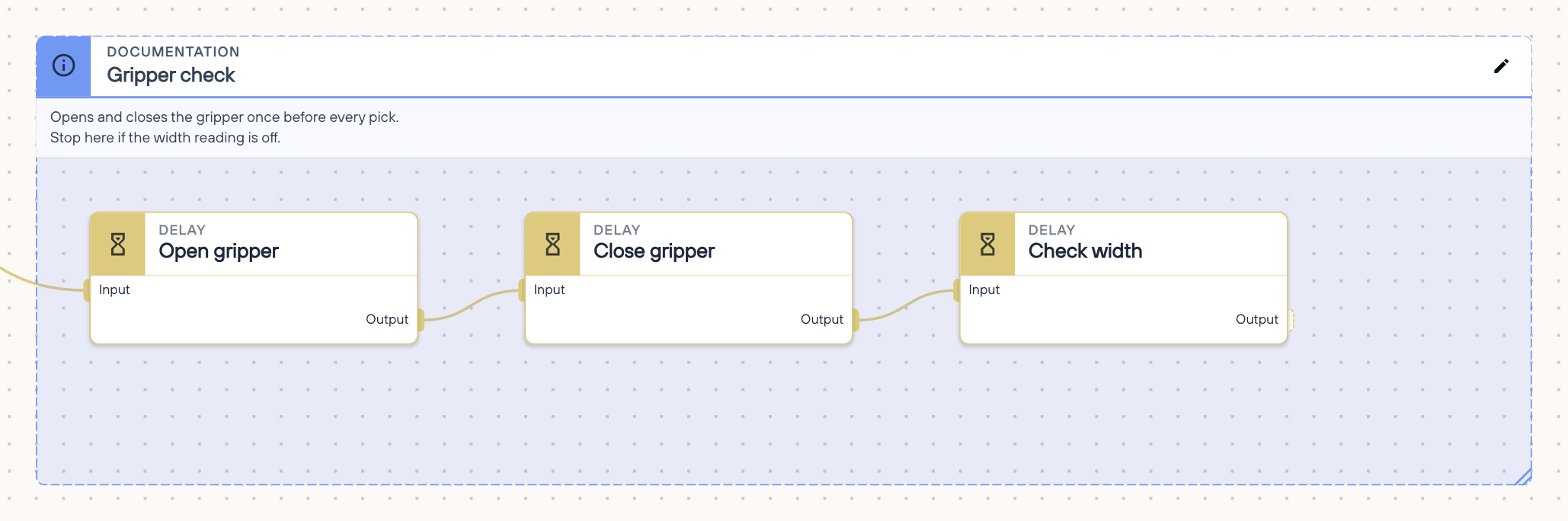
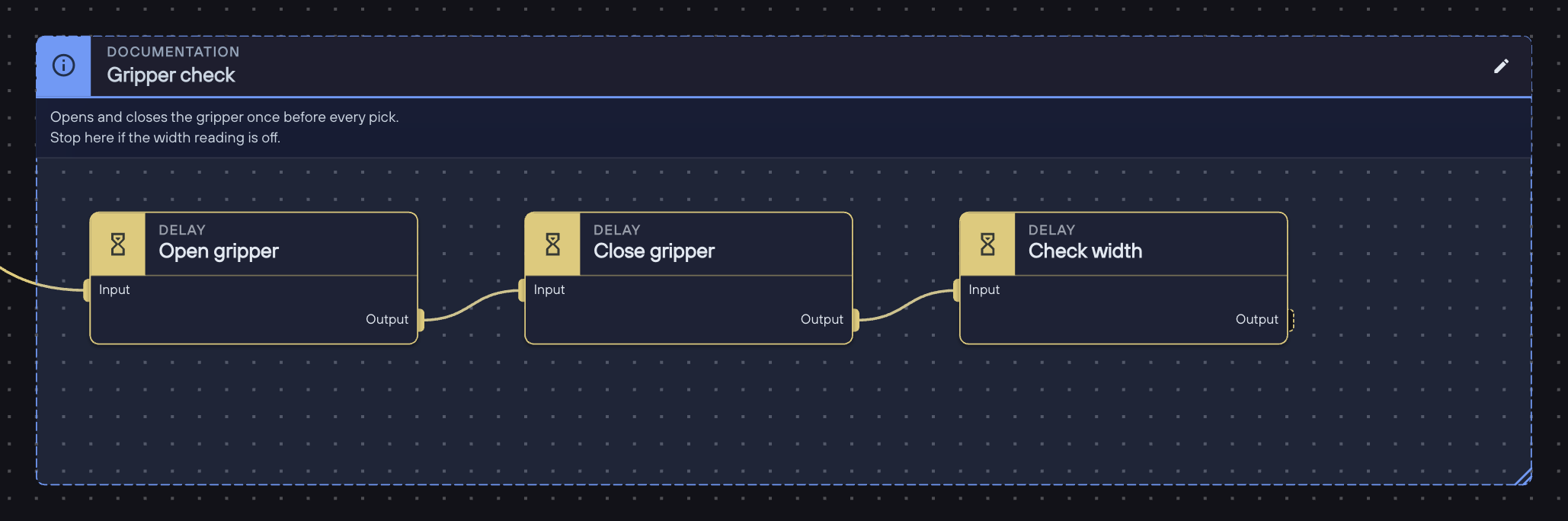
Name the Group in its header. To write a description, press the pencil in the Group header, enter it in Description, then choose Save or Cancel. You can also double-click the description to edit it. The description appears under the header as plain text, and the Group grows upward to make room for it.
To change its color, select the Group and use Group Color in the selection action menu.
A Documentation Group you move, resize or add over free Nodes takes in every one whose centre it covers. See Groups on the canvas.