User Confirmation
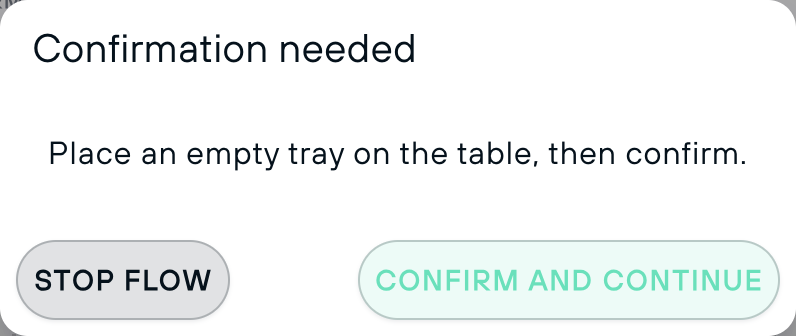
A User Confirmation Node will pause the Flow and show a custom message to the user as a popup.
The user can then decide to confirm and continue the Flow, or stop the Flow.
The user's choice will be logged in the Message Log.
Settings
Confirmation Message is a text Expression Field of up to 200 characters. It can use Variables. It is required: an empty field shows "Confirmation Message is required", and a new Node shows Not configured until the message is set.
What the operator sees
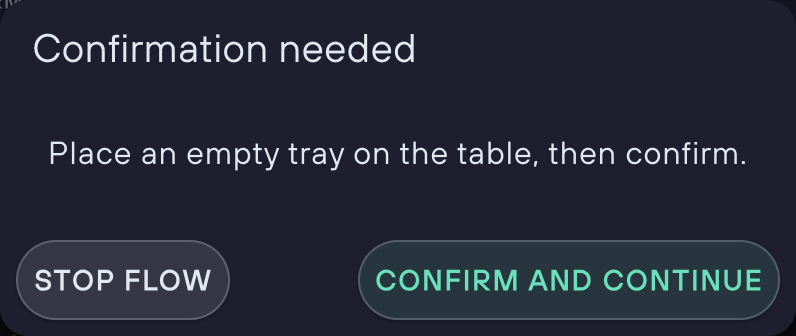
The Flow pauses, and the dialog Confirmation needed shows the message with the buttons Stop Flow and Confirm and continue. If the Robot is off its trajectory, the dialog adds a warning that confirming continues from the current position, which can cause collisions.
In Debug mode, Confirm and continue only closes the dialog. Hold Debug again to continue.
Both choices are written to the Message Log: "User confirmed: …" or "User confirmation was refused, Flow was stopped: …".
The Node has an input and an Output. While it runs, a chip shows "Waiting for confirmation" and then "Confirmed".