Split
info
Available only in the main Flow.
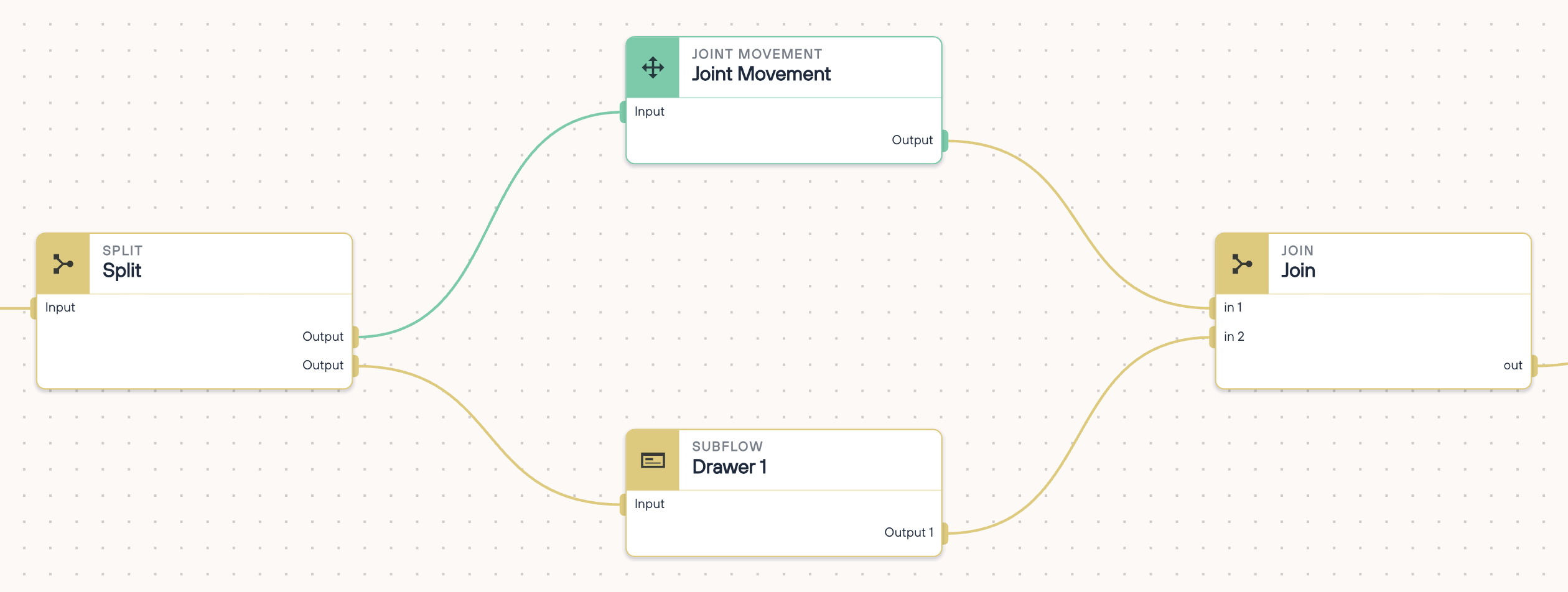
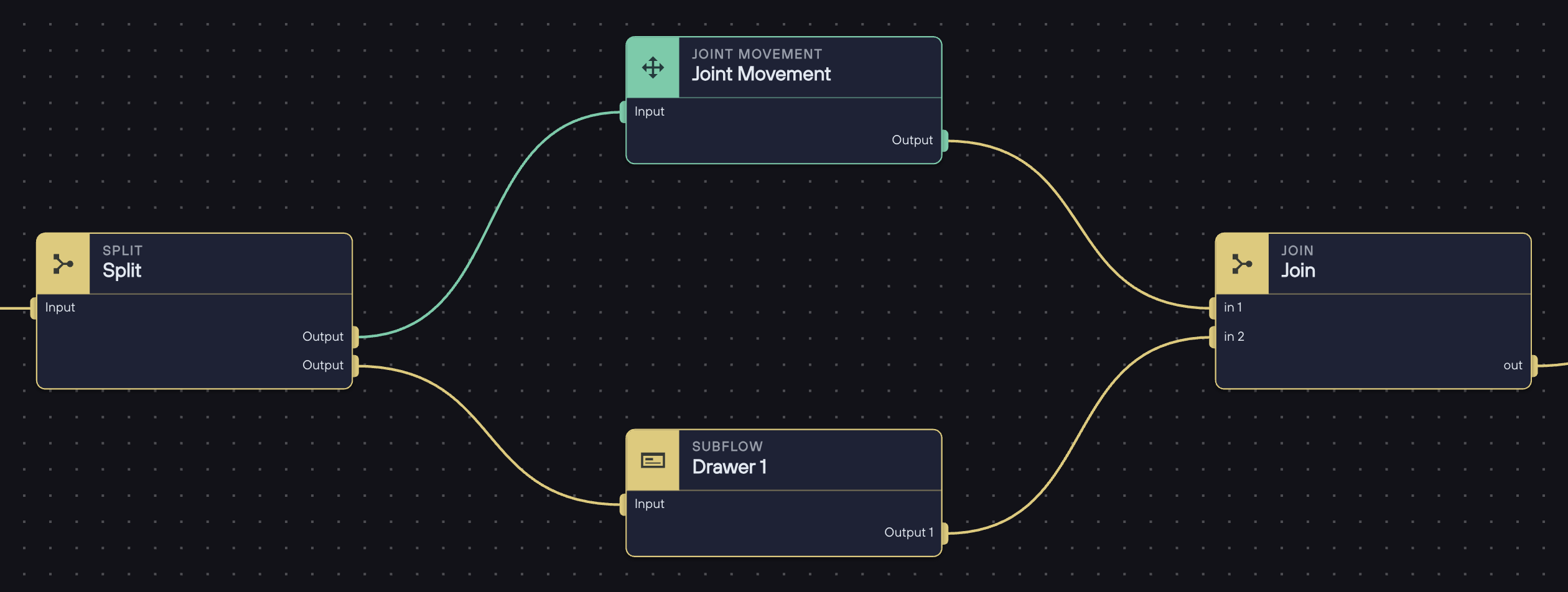
With a Split Node, you can split your Flow into multiple separate branches.
All these branches will be executed in parallel.
Settings
Output Count: 2 to 15, default 2.
Outputs
The Node has as many outputs as the Output Count, and each one is labelled Output. Every connected output starts its own branch, and all branches run in parallel.
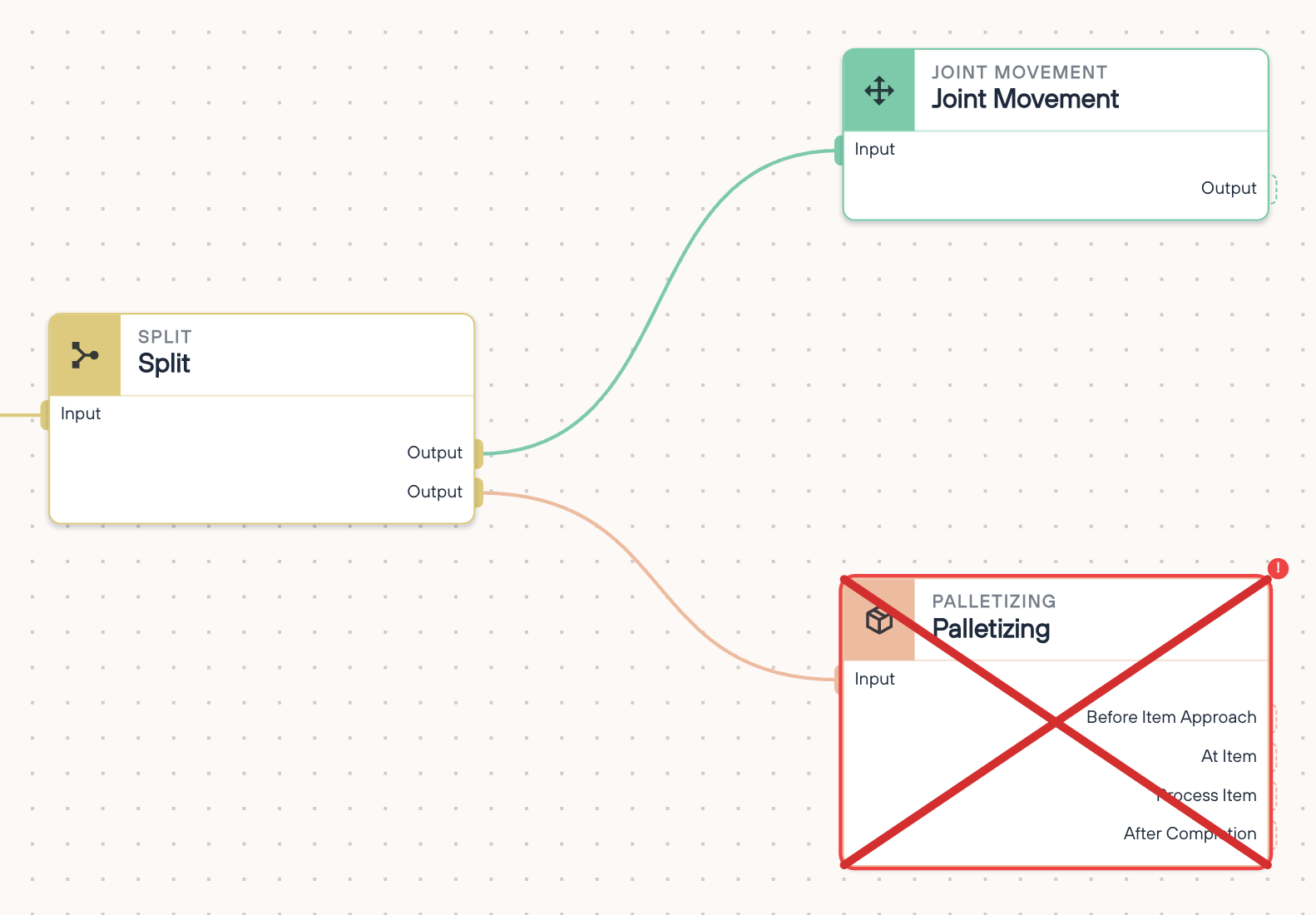
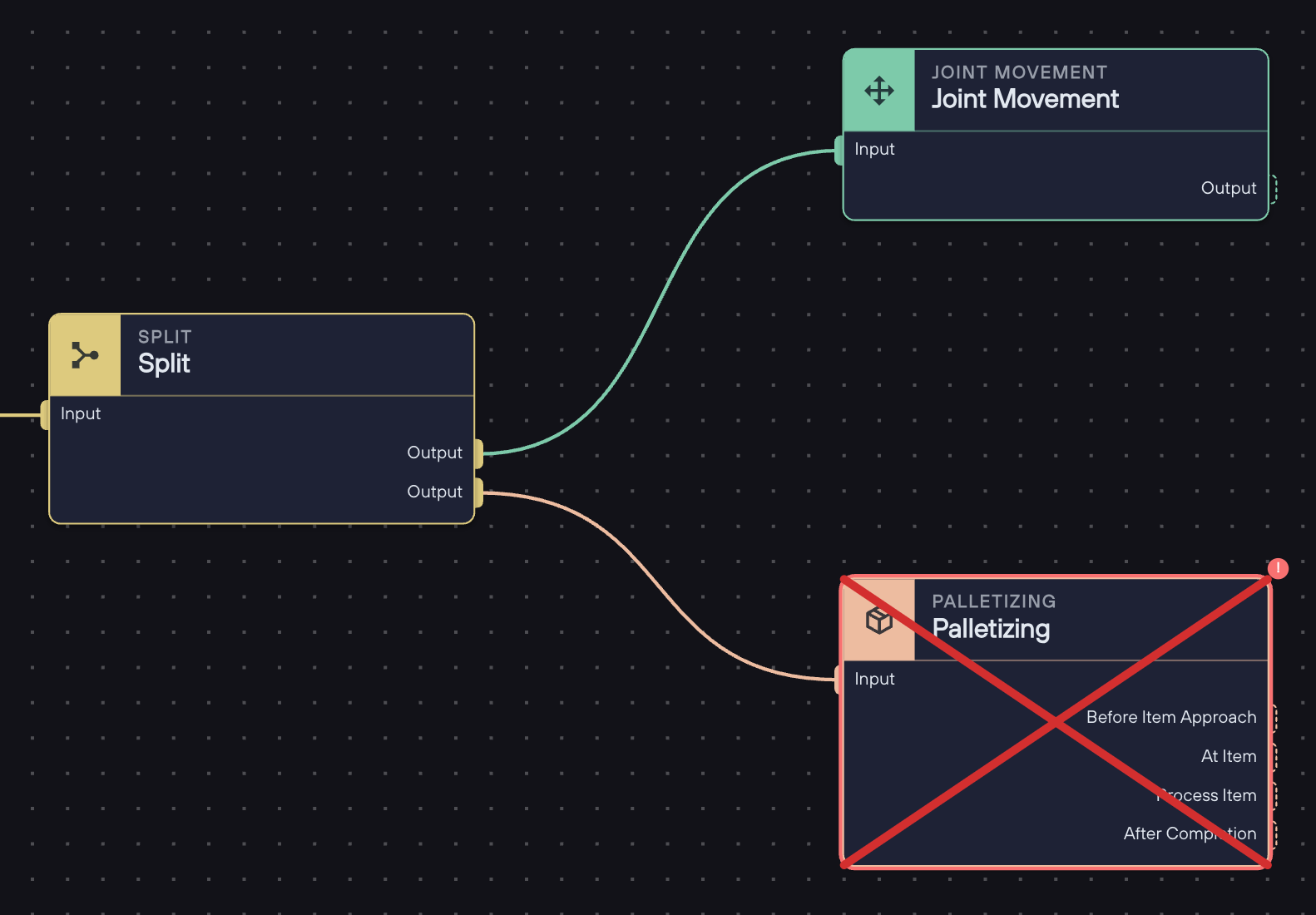
Beware: make sure you DO NOT trigger multiple Robot movements at the same time!
That could happen when Nodes from the Move or Patterns category, or RobVision Picking Nodes, run in parallel branches.
The Split Node can be used in combination with a Join Node to wait for all connected branches to finish and to continue in a single branch.