Join
info
Available only in the main Flow.
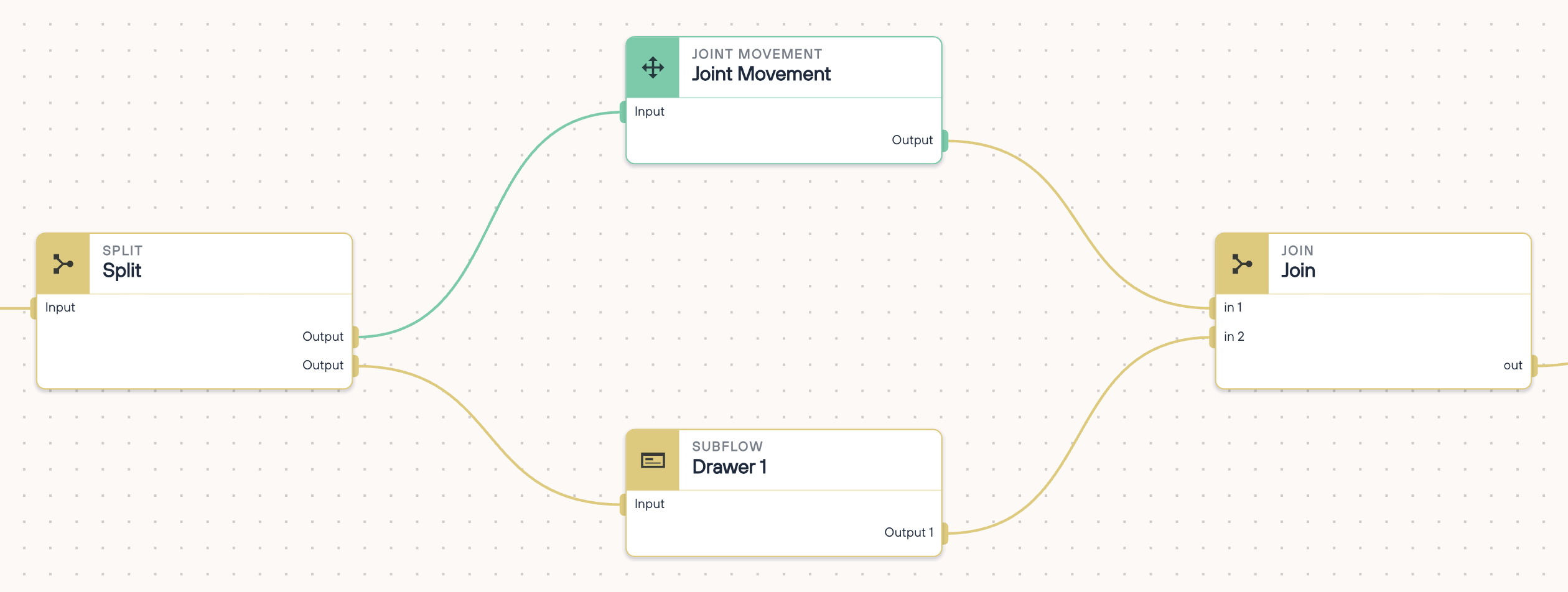
With a Join Node, you can join multiple separate branches into one main branch.
IMPORTANT: You can only join branches coming from a Split Node.
The Join Node will wait until all branches connected to it are finished before it will trigger the next Node in line.
Settings
Input Count: 2 to 15, default 2. Set it to the number of branches and connect one branch to each input.
Inputs and output
The inputs are in 1 to in n, and the output is out. The Join Node continues on out once, after every connected branch has arrived. While it runs, a chip shows the inputs that have arrived, for example "1 / 2".