Condition
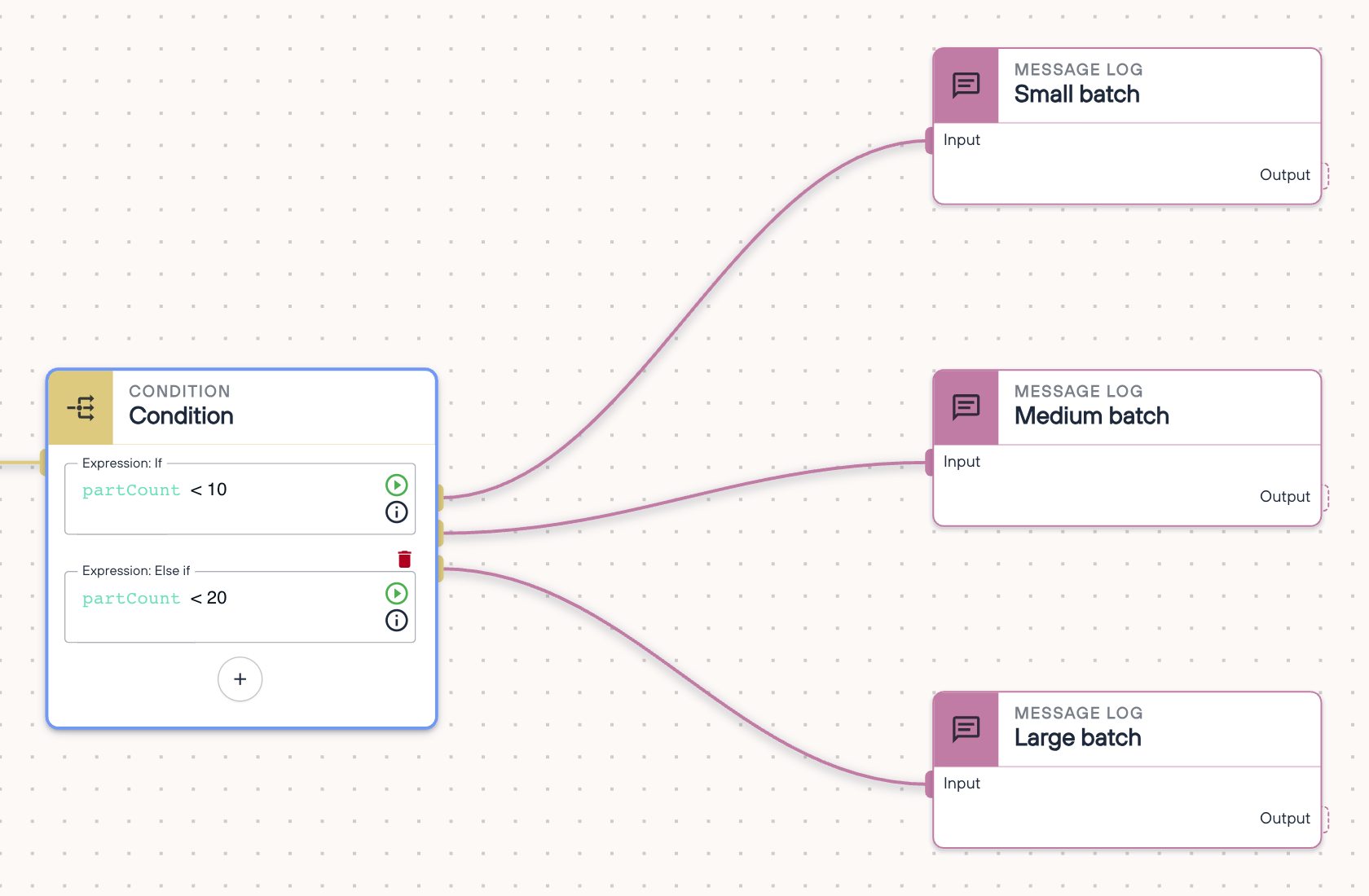
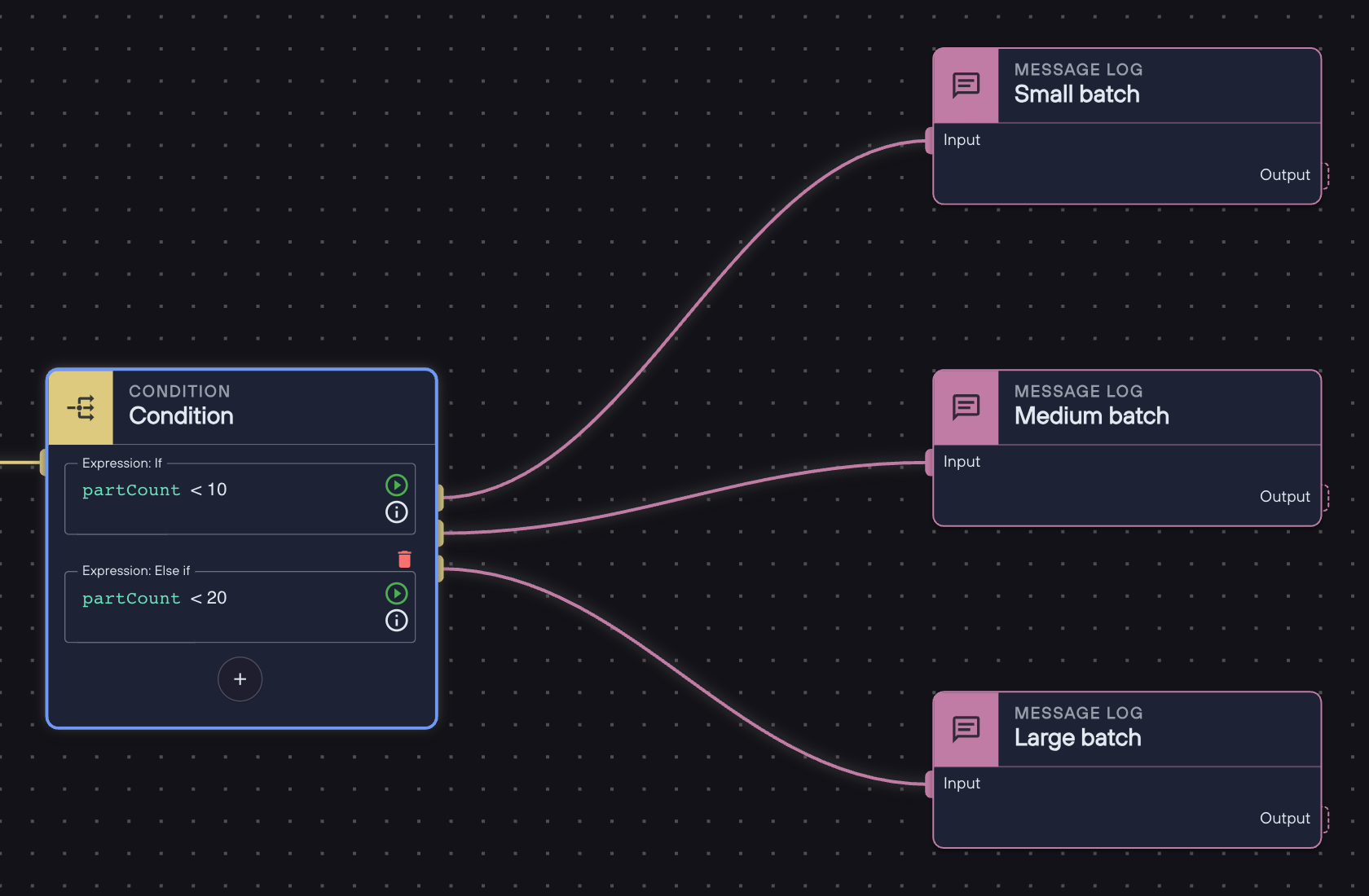
With a Condition Node, you can evaluate several Expressions of an if/else-if/else block. To use the Node, define one or several conditions. Each condition corresponds with an output branch, and there is always one additional output branch in case that no condition is true (Else case).
The Node will evaluate the conditions from top to bottom. Once a condition evaluates to true, the Flow will continue in the corresponding branch for that condition. In case no condition is true, the Flow will continue in the Else branch.
Settings
Each branch has one boolean Expression Field. The first is If, and every further one is Else if. The + button below the fields adds an Else if. The trash icon on an Else if row removes it together with the connection on its output. The Else branch has no field.
A new Condition Node shows Not configured until you enter the If condition. An empty field shows "Field is required". The Issues list names the fields "Condition 1", "Condition 2", and so on.
Outputs
The Node has the outputs If, then one Else if for each further condition, then Else, which is always last. When you add a condition, the connection on Else moves with it. See Connecting Nodes.