HTTP Request
The HTTP Node sends HTTP requests to external APIs and web services, storing the response in a Variable for further processing in your Flow.
Basic Configuration
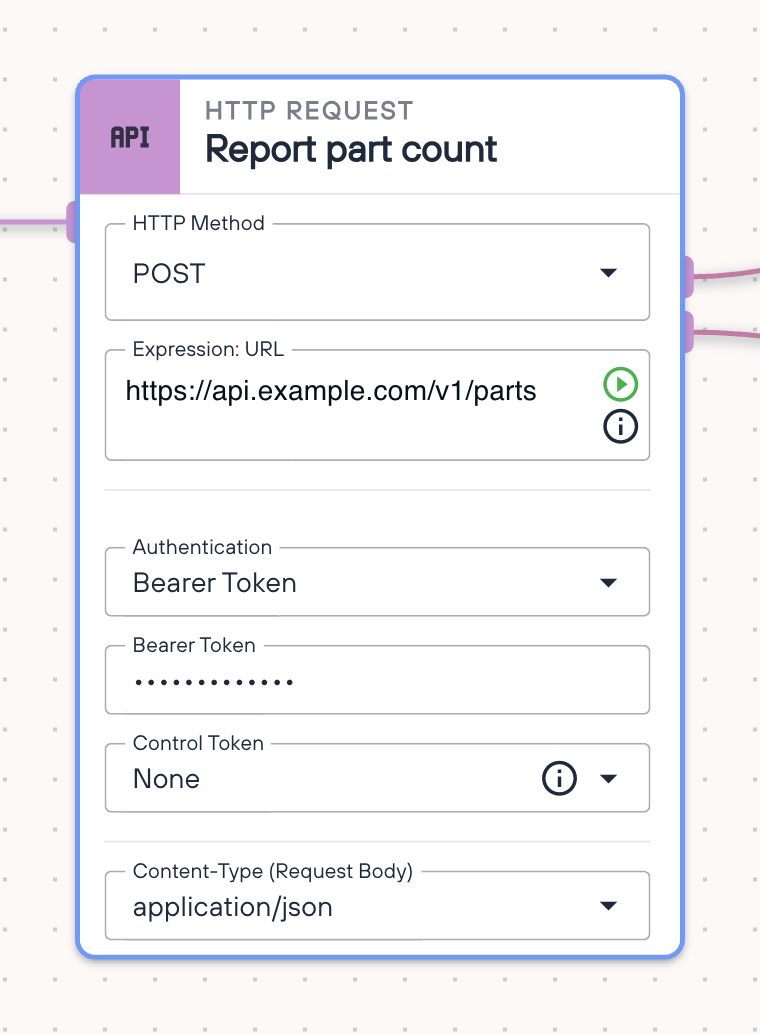
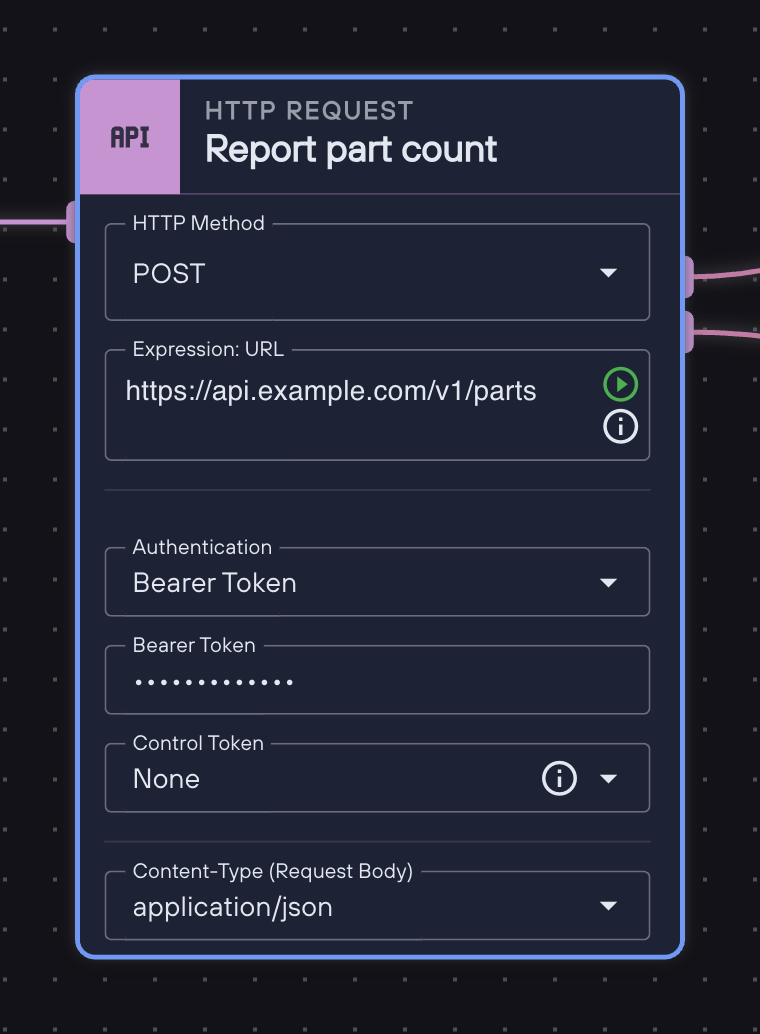
- HTTP Method: GET (default), POST, PUT, PATCH, DELETE.
- URL: an Expression field. Insert Variables with
#; their values are inserted as text, for examplehttps://api.example.com/v1/items?id=partId. The URL must start withhttp://orhttps://, otherwise the field shows "Please provide a valid HTTP URL". The URL must be reachable from the Robot CU where RobFlow is running. - Store HTTP Response: checkbox, off by default. When ticked, Response Variable (String Variables only; the field shows "Response Variable is required when storing response" while empty) and Response processing appear. See Response processing.
Authentication
The HTTP Node supports multiple authentication methods for secure API access:
- None: No authentication (for public APIs). This is the default.
- Basic Auth: Provide username and password for HTTP Basic Authentication.
- Bearer Token: Enter an API token or JWT for Bearer token authentication.
With Basic Auth, Username and Password are required. With Bearer Token, the Bearer Token field is required. Until they are filled in, the Node is Not configured.
Control Token
A Robot's API refuses requests that move the Robot or change what is stored on it unless they carry a control token, sent as the X-Robflow-Control-Token header. See Single point of control. Control Token decides whether the Node sends one:
- None: no token. This is the default. Use it for every server that is not a Robot.
- Acquire a token automatically: each time the Node runs, RobFlow first takes control of the Robot the URL addresses, then sends the request with the token it got. Whoever held control of that Robot loses it: a browser session there drops to View-only mode. This also applies when the URL addresses this Robot itself.
With Acquire a token automatically, the URL must point at a Robot's API, for example http://192.168.2.20/api/v3.0/flows/<uuid>/run. RobFlow requests control at that address with POST http://192.168.2.20/api/v3.0/control/request. If that fails, for example because the URL is not a Robot API URL or the PLC holds control of that Robot, the request is not sent. The error is written to the Message Log and the Node continues on Failure (non-2xx).
The token is taken when the Node runs. It is never stored in the Flow.
Request Body (POST/PUT/PATCH)
For POST, PUT, and PATCH requests, you can specify the Content-Type and the content of the request:
- Content-Type (Request Body):
application/json(default),application/xml,text/plainorapplication/x-www-form-urlencoded. - Content (Request Body): an Expression field. Variables are inserted as text, so you can build a JSON body around them (e.g., {"name": "Item1", "quantity": 5}). The field shows "Field is required" while empty.
Response processing
Tick Store HTTP Response and pick a Response Variable to keep the response body. It is stored only when the request succeeds (2xx). Response processing is pre-filled with the Response Variable and falls back to it when you empty the field. Add bracket notation after it to keep only part of a JSON response.
Example: apiResponse["items"][0]["name"]
apiResponse: the Response Variable, already in the field.- ["items"]: First key in the JSON response object
- [0]: First entry in the "items" array
- ["name"]: The name field in the array object
Advanced
Click Advanced to show these settings:
- Accept (Response Type):
application/json(default),application/xml,text/plain,text/htmlor*/* (any). - Timeout (s): 0.1 to 30, default 10.
- Retries: 0 to 10, default 0. A failed request is retried with exponential backoff, so it is tried at most Retries + 1 times.
- Follow Redirects: switch, on by default.
Outputs
- Success (2xx): the server answered with a 2xx status.
- Failure (non-2xx): any other status, a timeout or an unreachable server, after all retries. The error is written to the Message Log. The Flow does not pause; it continues on this output.
Example Usage
Fetching data from an API
- Method: GET
- URL: https://api.example.com/items
- Response Variable: apiResponse
- Response processing:
apiResponse["items"][0]["name"](Stores the name of the first item from the response in the selected Variable)
Sending data to an API
- Method: POST
- URL: https://api.example.com/items
- Authentication: Bearer Token
- Content-Type: application/json
- Content: {"name": "NewItem", "quantity": 10}
- Response Variable (optional): createResponse
Tips
- Test your API endpoint in a tool like Postman before configuring the HTTP Node.
- Use Response processing to extract only the data you need, reducing Variable size.
- Configure retries with appropriate timeout values to handle temporary issues in the API.
ERP Integration
SAP
The HTTP Node can be used to send requests to SAP (S/4HANA) systems which expose an HTTP API.
Requirements:
- Customer must have configured SAP Gateway (Or similar) to expose an OData(HTTP) API to their SAP system.
- This API endpoint must be reachable by the Robot CU where RobFlow is running.