Torque Overload
Where to find it
Open the Robot State drawer with ROBOT STATE at the top of the rail on the right edge of the window (or press Alt+D, ⌥D on a Mac), expand Joints, and switch from Angles to Torques. The drawer is there in every view except Dashboards.
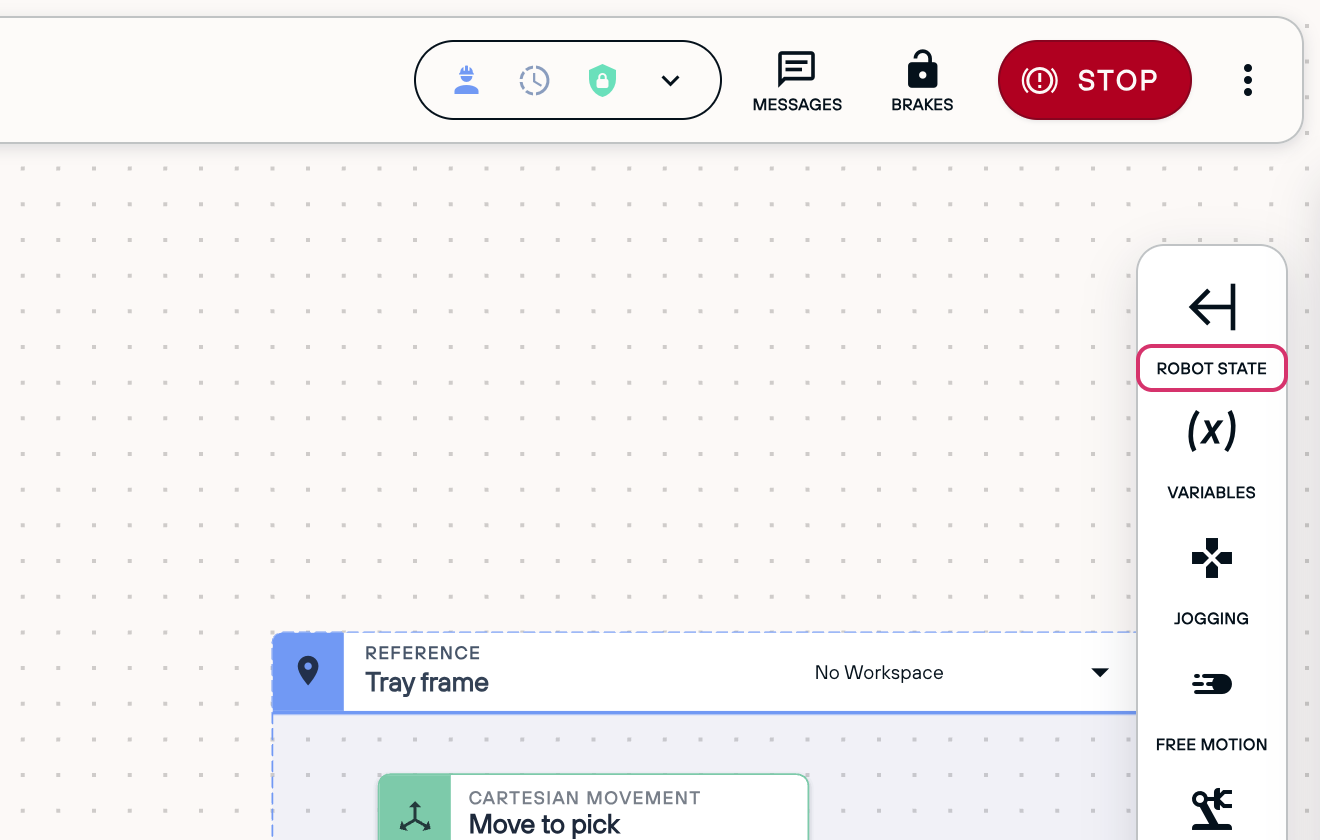
The Robot's status is shown in the app bar. The ROBOT STATE button in the rail only opens and closes the drawer; its label is written under it.
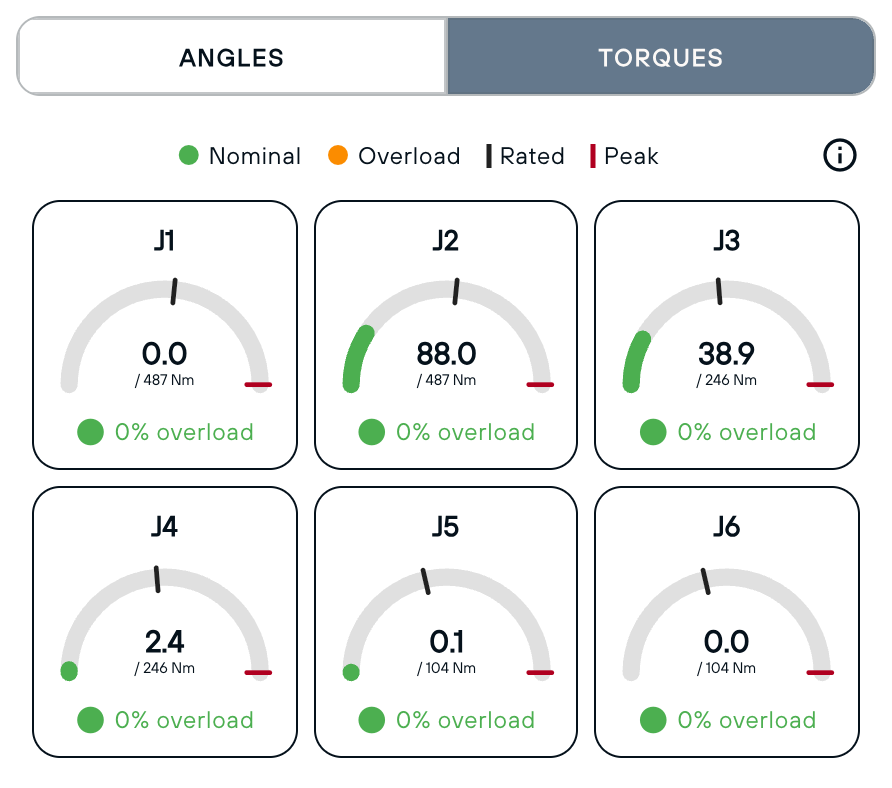
You get one card per joint, J1 upward from the base. On each card:
| On the card | Meaning |
|---|---|
| The large number | Current torque, in Nm |
/ 487 Nm beneath it | That joint's peak torque — the end of its scale. It differs per joint, since the joints nearer the base are larger. |
| The dark tick on the arc | Rated torque, the continuous limit |
| The red tick at the end of the arc | Peak torque |
0% overload at the bottom | The overload accumulator, green below 60 %, amber from 60 %, red above 85 % |
The legend above the cards repeats the four markers, and the ℹ beside it opens this page.
If a joint goes critical, a red banner appears at the top of the tab naming it — over torque limit — stall imminent, or overload critical — risk of shutdown.
While any joint is over its peak torque or above 85 % overload, the Joints row shows an OVERLOAD chip, so you see it with the row collapsed.
There is no Dashboard Widget for torque or overload — these figures live only in the Robot State drawer, so watching them is a commissioning task rather than something an operator can be shown.
Torque
Current torque is what the joint is commanding right now. It is shown against the peak torque — the short-term maximum the motor can deliver.
- The black mark is the rated torque — the torque the motor can sustain continuously without overloading.
- The red mark is the peak torque, at the end of the scale.
Staying at or below the black mark is safe indefinitely. Between the black and red marks the joint is above its continuous limit, which starts driving the Overload Index up.
Overload
The Overload metric is a protective accumulator. It stays at 0% while the joint runs at or below its rated torque, and only climbs when torque exceeds it. The further rated torque is exceeded, the faster the overload index grows.
Once the overload index reaches 100%, the drive shuts off.
During each healthy cycle this should return to 0% once. If it creeps up cycle over cycle, the joint is running beyond its continuous limit and will eventually trip. To avoid this, reduce load, speed, or activate the brakes in waiting positions.