Expression Field
In an Expression Field, you can not just enter a number, but rather a mathematical Expression. The RobFlow convention for these Expressions matches the Python programming language.
Basic mathematical operations:
- Plus: +
- Minus: -
- Multiply: *
- Divide: /
Logical Operators:
- AND: and
- OR: or
- Equal: ==
- Not Equal: !=
Variables
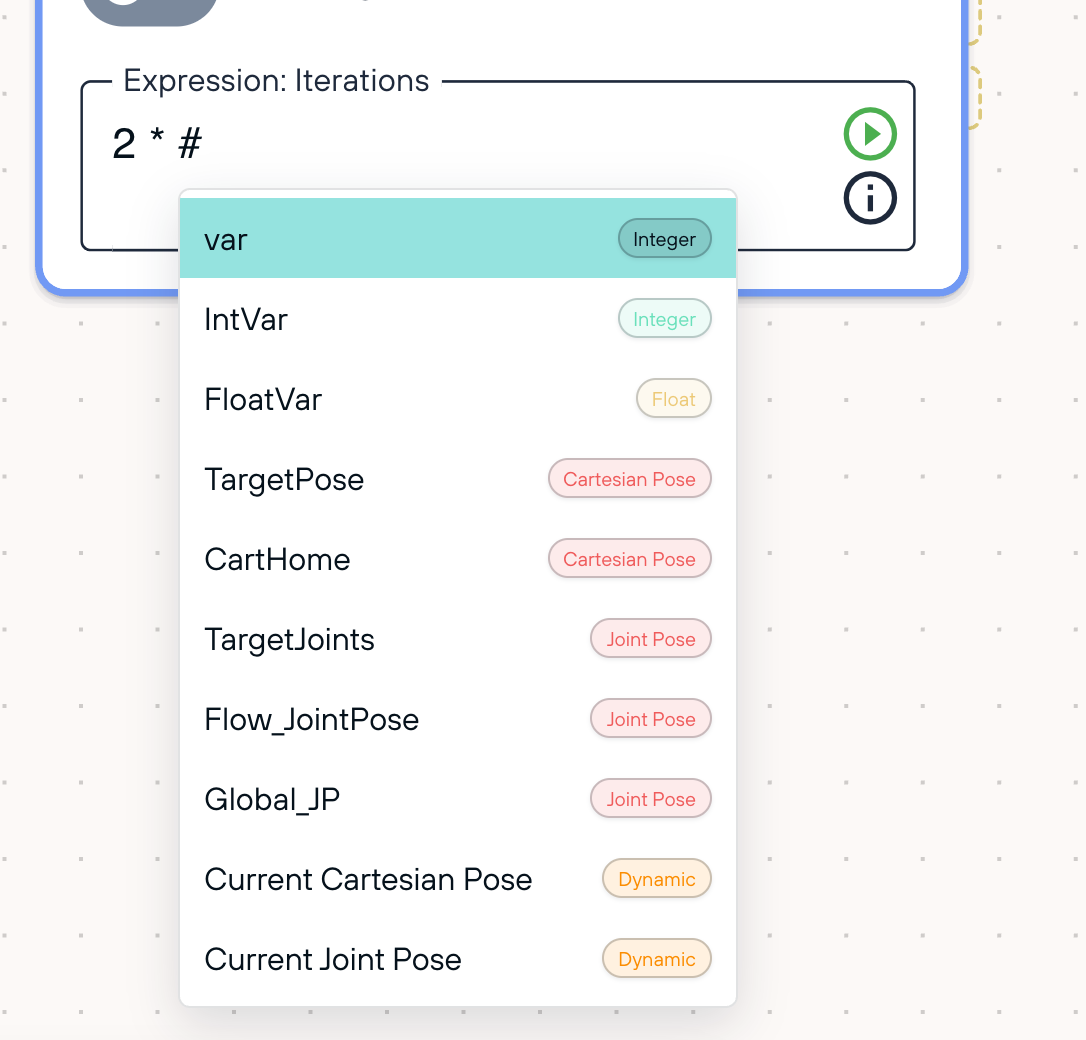
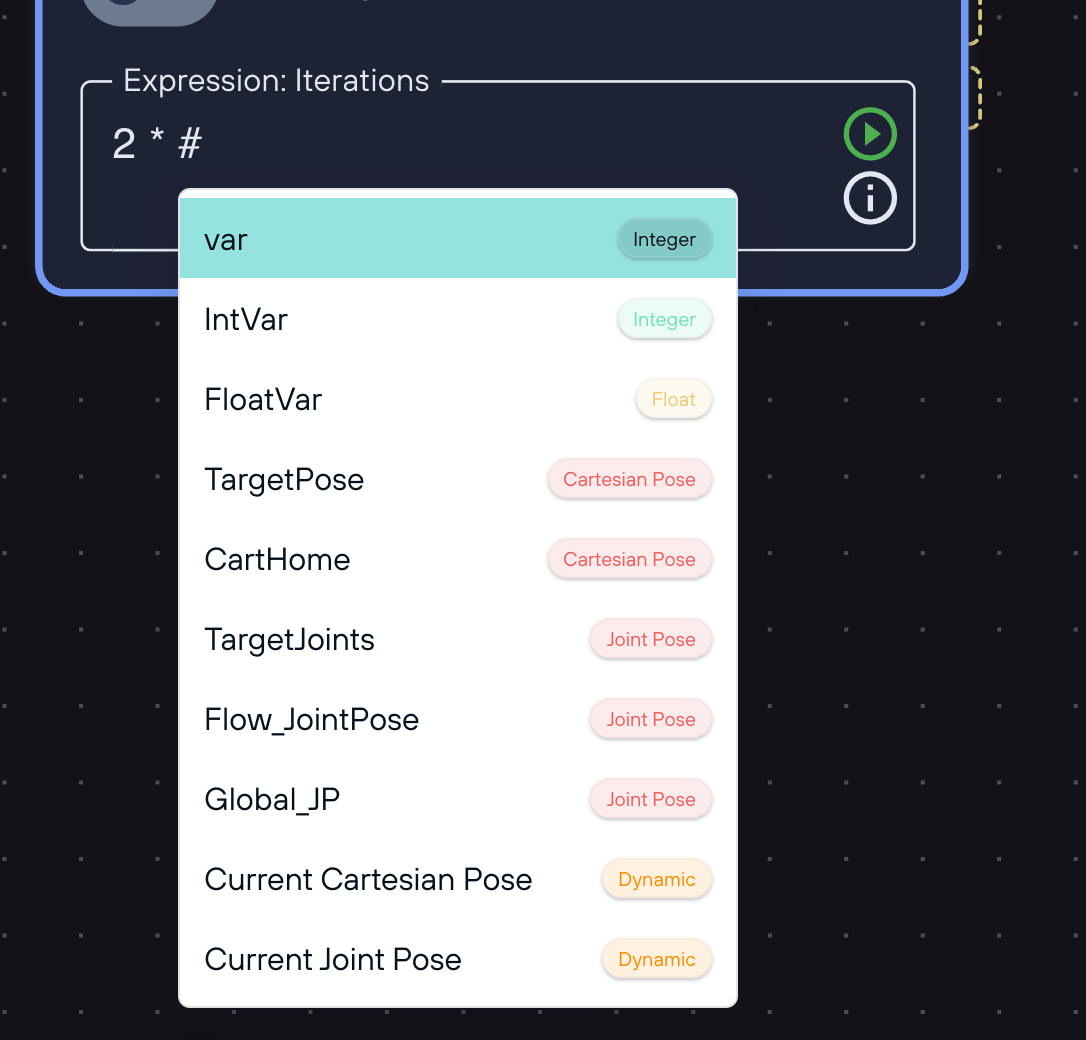
- To insert a Variable, type # (or {{) in the Expression field. A list of Variables opens at the cursor, each with its type — Integer, Float, Boolean, String, Cartesian Pose, Joint Pose, or Dynamic for Current Cartesian Pose and Current Joint Pose.
Keep typing to filter it by name, move through it with ↑ and ↓, and press Enter (or click) to insert the highlighted Variable; Esc closes the list.
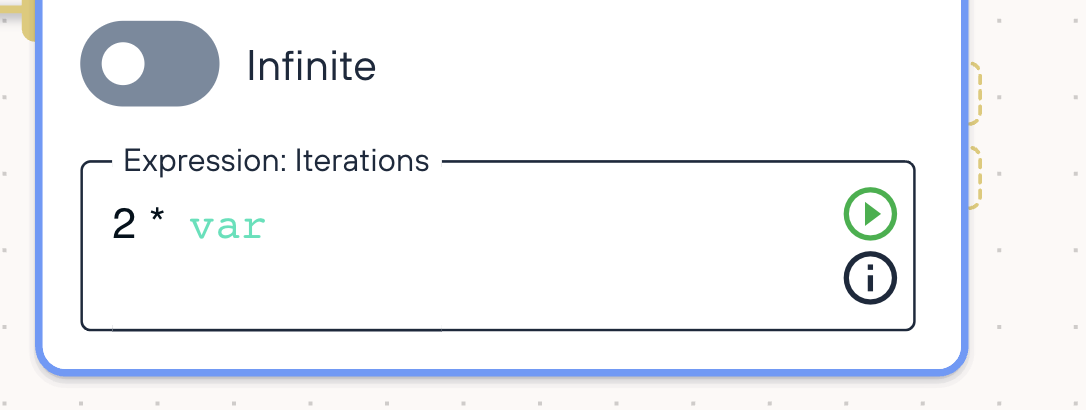
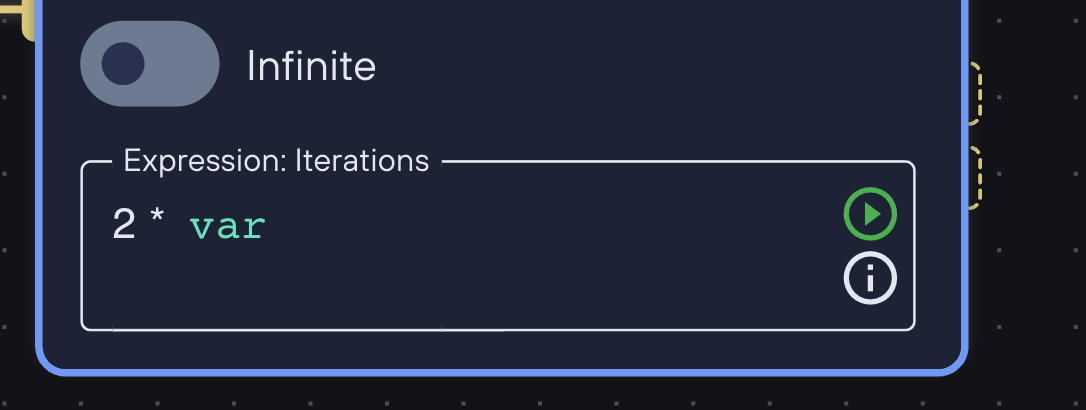
The Variable then shows as a chip in its type's color, e.g.myVariable.
The ▶ button at the end of the field evaluates the Expression with the current Variable values and shows the result in a message, Expression evaluation value: …. The ℹ button opens this page. A field that names a Variable that no longer exists is marked invalid.
JSON:
- You can store JSON data inside a String Variable. This allows you to access structured or nested data directly inside Expressions.
- To access values within the JSON, use bracket notation — similar to how you would access data in Python.
Example:myVariable["key0"]["key1"]will access the nested value underkey1insidekey0. - If the item is an array, you can also use numeric indices to access elements.
Example:myVariable["users"][0]["name"]will return thenameof the first element in theusersarray.
Extended mathematical functions (see Python Mathematical Functions for details):
'acos', 'acosh', 'asin', 'asinh', 'atan', 'atan2', 'atanh', 'cbrt', 'ceil', 'copysign', 'cos', 'cosh', 'degrees', 'dist', 'erf', 'erfc', 'exp', 'exp2', 'expm1', 'fabs', 'factorial', 'floor', 'fmod', 'frexp', 'fsum', 'gamma', 'gcd', 'hypot', 'isclose', 'isfinite', 'isinf', 'isnan', 'isqrt', 'lcm', 'ldexp', 'lgamma', 'log', 'log1p', 'log10', 'log2', 'modf', 'pow', 'radians', 'remainder', 'sin', 'sinh', 'sqrt', 'tan', 'tanh', 'trunc', 'prod', 'sumprod', 'perm', 'comb', 'nextafter', 'ulp', 'pi', 'e', 'tau', 'inf', 'nan'
Every name in Python's math module is available, so the list above reflects the module as
it currently ships. The built-in functions below, by contrast, are a fixed allow-list.
Python built-in functions (see Python Built-In Functions for details):
'min', 'max', 'abs', 'round', 'sum', 'len', 'all', 'any', 'int', 'float', 'str', 'bool'
The last four (int, float, str, bool) convert a value to another data type. For example,
float("2.5") turns a number stored as text into the number 2.5, which you can then use in a
numeric input field, such as the one of a Delay Node.
If you use number arrays, make sure to add whitespaces between the entries. Otherwise, numbers may be treated as float values (e.g. [1,2,3] will be evaluated to [1.2, 3]. Using [1, 2, 3] would work as intended. See examples below).
Pose Expressions:
Pose Expressions provide a structured way to represent positions and orientations. These Expressions can represent either Cartesian Poses or Joint Poses.
The syntax below is what a Pose Expression looks like written out. In the app you normally build one field by field in the Pose Expression Configurator instead — see Configure Pose Expression.
Cartesian Pose Expressions:
- A Cartesian Pose Expression defines a 3D position and an orientation, optionally relative to a reference frame.
- Format:
[PositionX, PositionY, PositionZ, OrientationZ, OrientationY, OrientationX], ReferenceFrame - Example:
[100+3, IntVar*FloatVar, PoseB.z, PoseA.rz, PoseA.ry, PoseA.rx], PoseD - Breakdown:
100+3,IntVar*FloatVar, andPoseB.z: Define the X, Y, and Z position components.PoseA.rz, PoseA.ry, PoseA.rx: Represents the orientation of the pose.PoseDsymbolizes the reference frame. Generally the reference frame can beBASEor you can specify a CartesianPoseVariable (in this examplePoseD).
Joint Pose Expressions:
- A Joint Pose Expression defines values for individual joints.
- Format:
[Joint1, Joint2, Joint3, ...] - Example:
[JointPose.j1, IntVar, 100*2, 3+4, FloatVar, JointPoseB.j3] - Breakdown:
- Each entry specifies a new value for the corresponding joint.
- Example:
JointPose.j1: References the current value of the first joint of the JointPoseVariable named JointPose.
Example Expressions:
2 * 3 * 4 ==> 242 * pi ==> 6.283pow(2, 3) ==> 8sqrt(9) ==> 32 * True ==> 22 * False ==> 02 * myVariable ==> 4(myVariable=2)True or False ==> TrueTrue and False ==> False3 != 3 ==> False5 == 5 ==> Truesum([1, 2, 3]) ==> 6sum([1,2,3]) ==> 4.2 (evaluates to sum([1.2, 3]), see note above)min([4, 7]) ==> 4max([4, 7]) ==> 7len([4, 7]) ==> 2all([True, False]) ==> Falseany([True, False]) ==> True[100+3, IntVar*2, PoseB.z, PoseA.rz, PoseA.ry, PoseA.rx], BASE[JointPose.j1, 90, FloatVar]