Enable beta features: Streaming
Currently, the streaming mode is only released as a "Beta" feature. To access it, you need to manually enable these features for your Robot.
First, open RobFlow and click the three dots in the top right to open the three-dot menu:
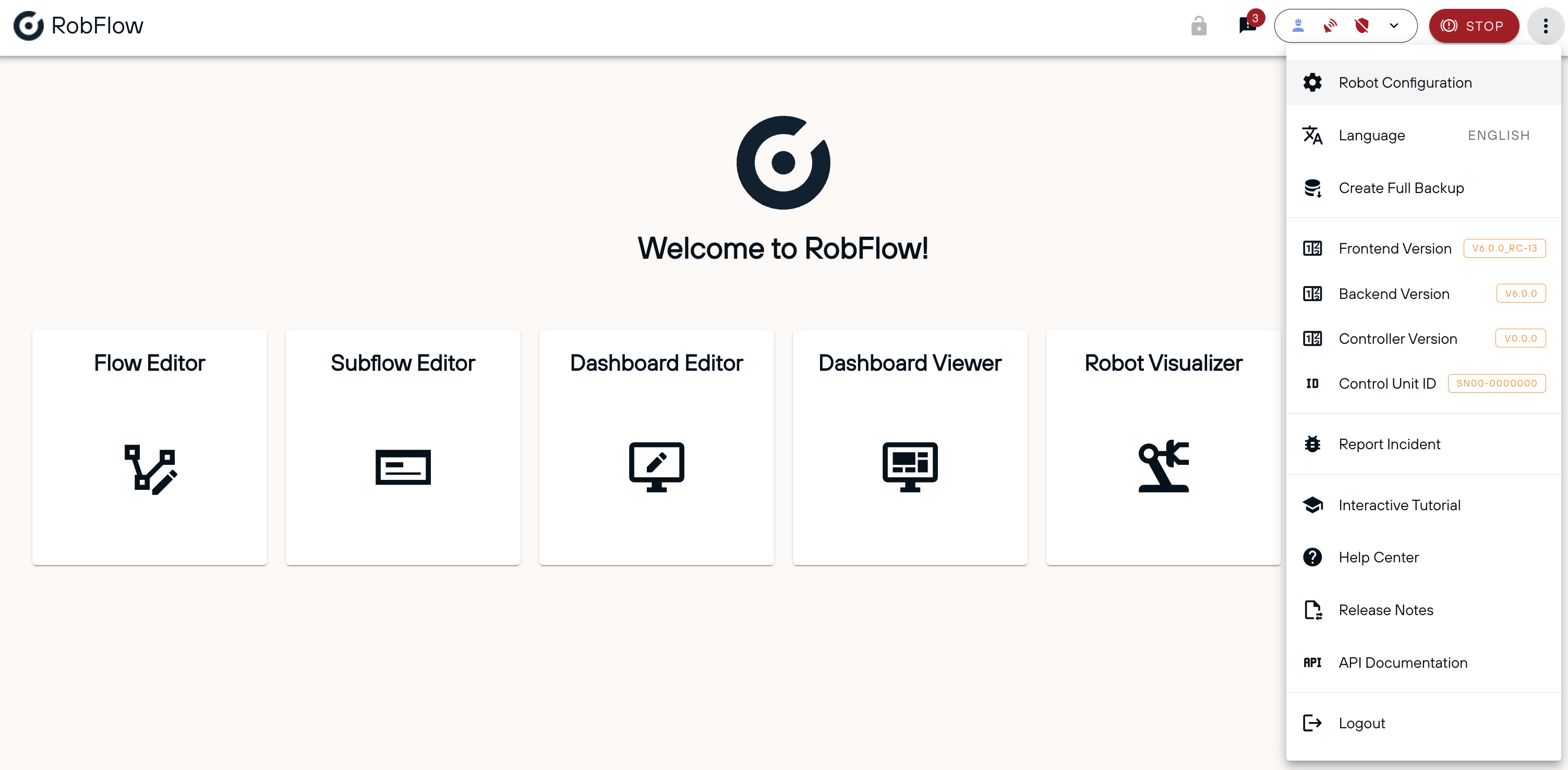
Choose Login (last menu entry), if required, to enable editing the Robot Configuration. Next open Robot Configuration and navigate to the Update Channel section.
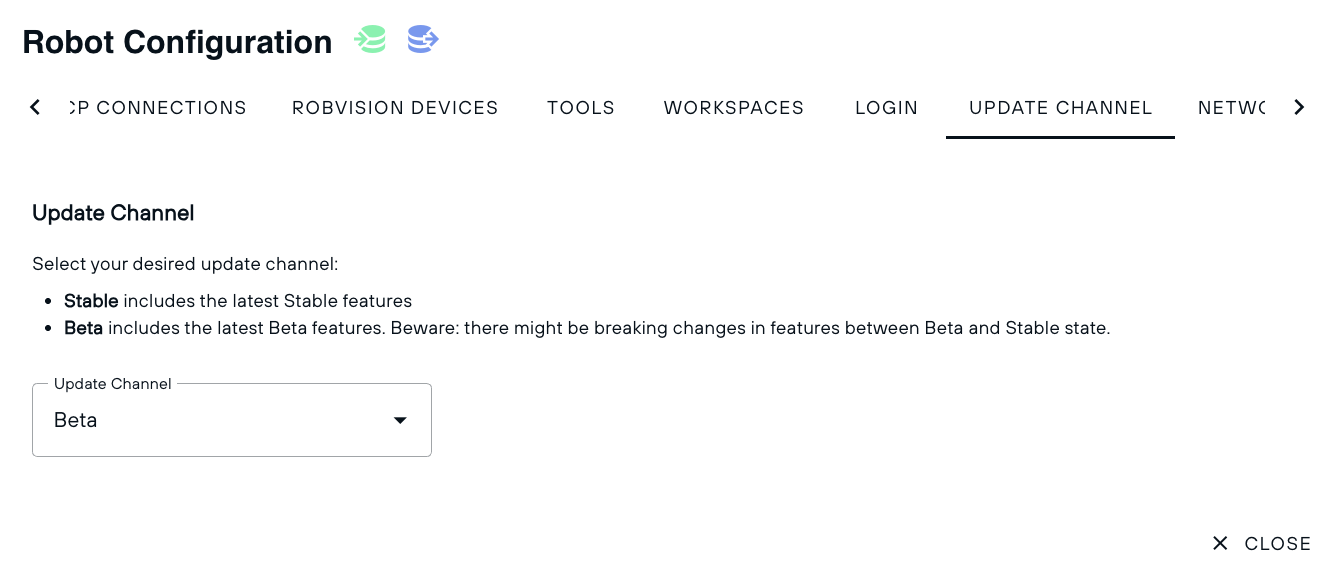
Select Beta and confirm the beta notice. The Beta channel allows utilizing the streaming mode.